Sign In
This topic describes how to sign in to K2 Mobile.
Connecting to a K2 blackpearl Environment
To sign in, enter your user name and password, and a workflow server address.
For example:
Username: Bob (generally the server finds your domain name. If not, specify it in the format: DENALLIX\bob)
Password: Provide your password
Server: http://sync.denallix.com:441
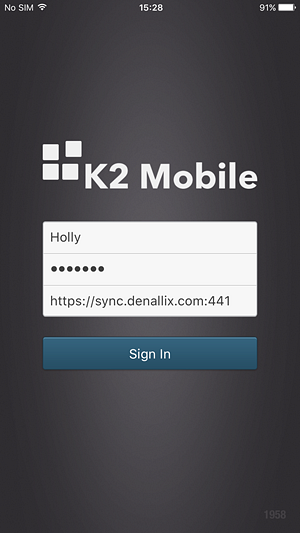
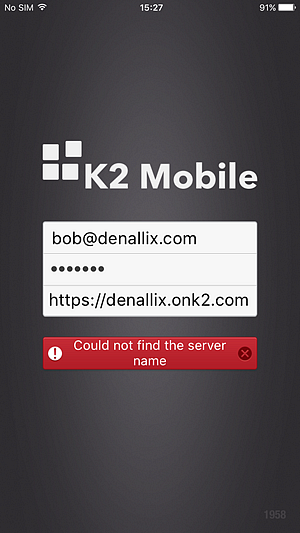
Tapping the Sign In button signs you in. If there is a problem, the button animates and shows the error, such as in the following example.
Connecting to a K2 Cloud Environment
When connecting to a K2 Cloud environment, you must enter your user name (usually in email format) and the K2 Cloud server URL.
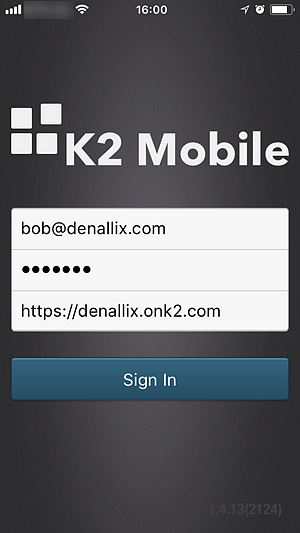
For example:
Username: Bob@denallix.com
Server: https://denallix.onk2.com
The K2 Cloud server URL is the URL selected during the registration wizard for the K2 Cloud for SharePoint App.
After tapping Sign In, the Microsoft Azure log-in page opens allowing you to log-in and grant permissions before returning you to the app.