K2 for SharePoint
- From Nintex K2 Cloud Update 21 onwards there are two different apps for SharePoint Online. The legacy Nintex K2 Cloud for SharePoint app: used for SharePoint upgraded tenants, and the Nintex K2 Cloud (SPFx) app: used for new tenants.
- Microsoft has announced the deprecation of the SharePoint Add-Ins model for SharePoint Online, effective 2 April 2026. We recommend migrating to Nintex K2 Cloud (SPFx) app using the Nintex K2 Cloud SPFx Migration Tool to avoid potential disruptions.
The product uses apps that you install in your SharePoint environment to integrate with SharePoint. You can build solutions for SharePoint lists and libraries with forms, create and customize workflows to automate and govern your SharePoint-based processes, and you can take advantage of pre-built reports, or build custom ones that use data from across the organization.
Use this section to discover ways you can use the product to start workflows and action tasks.
| Feature | Description |
|---|---|
| Manually starting workflows in SharePoint | You can manually start a workflow from an item in the list or library that is associated with the workflow element of the application.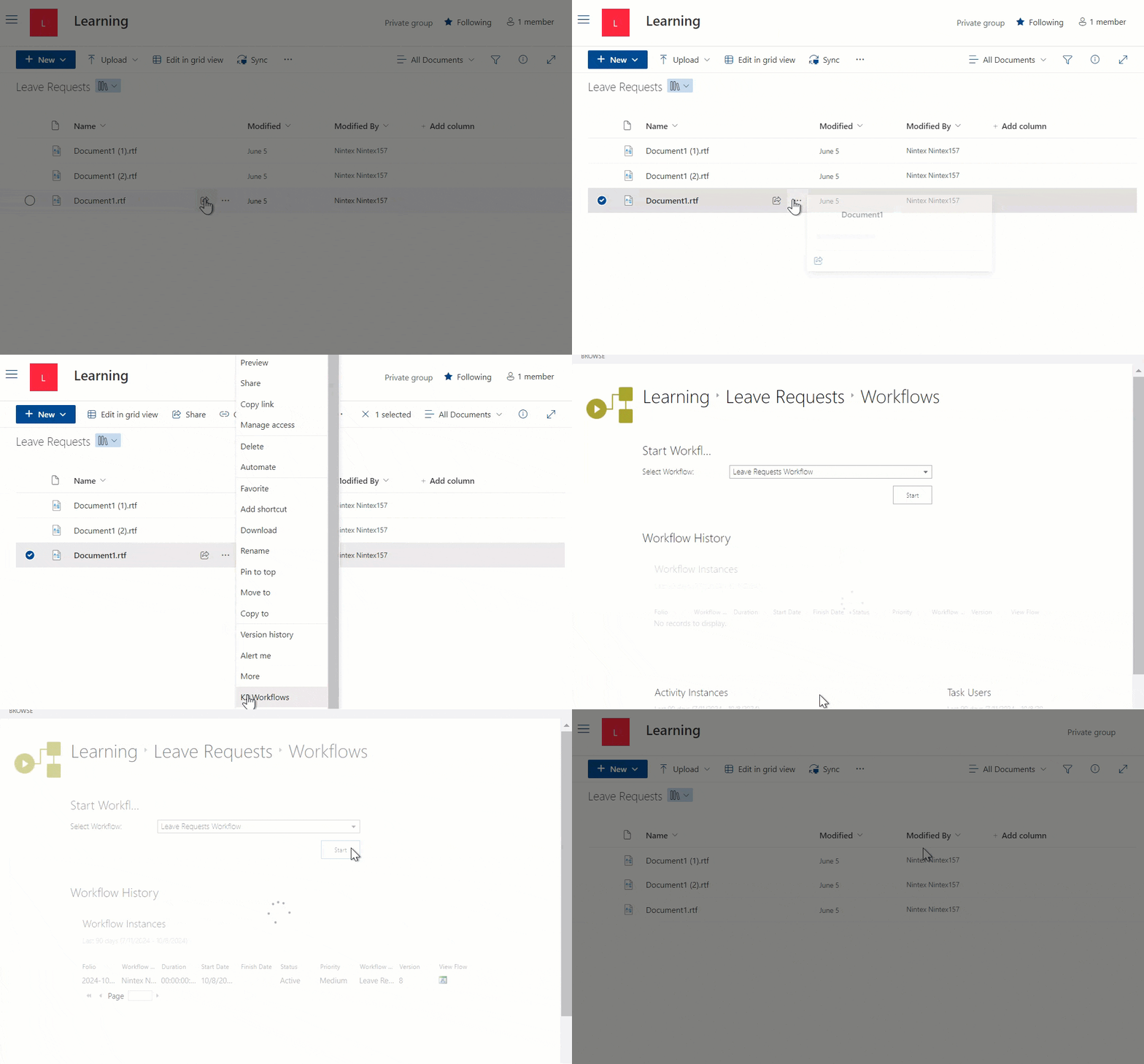 |
| Worklist | The Worklist contains all the work items assigned to the logged in user. This means you can see all activities assigned to you in one central location. |