Procedure
Important: This feature is currently in open beta. For more information, see the Nintex Beta terms document. If something is not functioning correctly, please raise this with support@nintex.com
After you create the process and add activities to it, use the Procedure tab to view the process details in the procedure outline format. An example of the details displayed on the procedure page are shown below:
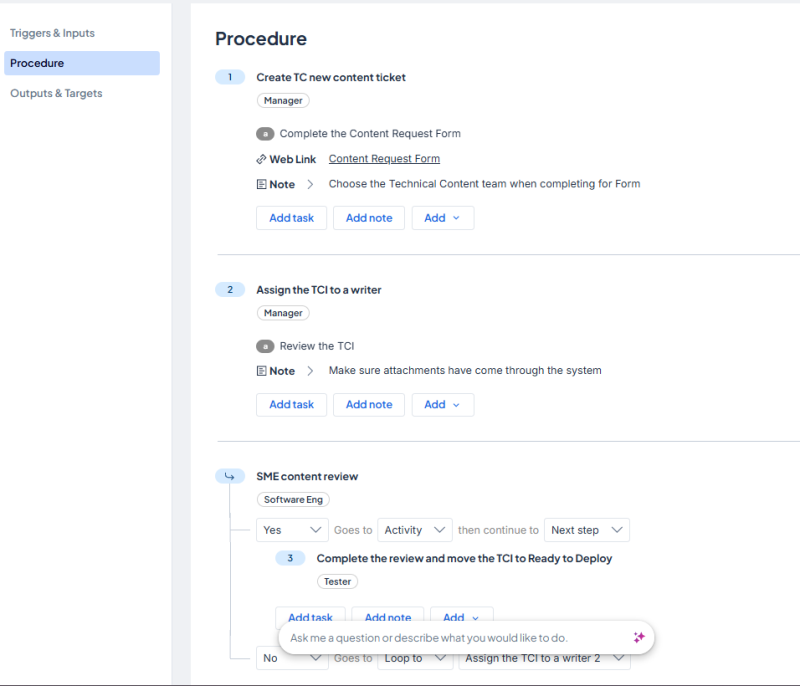
See Edit a process for more information on adding activities, tasks, notes, attachments, links, and configuring trigger, inputs, outputs, and targets.