Editing A Package using K2 Package and Deployment
K2 Package and Deployment can be used to edit the contents of an existing package file by adding and removing artifacts. The tool can then be used to deploy the edited package definition to another K2 environment. This is useful in cases where packaged variables must be altered, and for adding new artifacts to a package.
When packaging and deploying Service Instance artifacts, ensure that the associated back-end entities exist on the target environment before attempting to deploy the package. See K2 Package and Deployment Overview for more information.
Editing an existing K2 Deployment Package
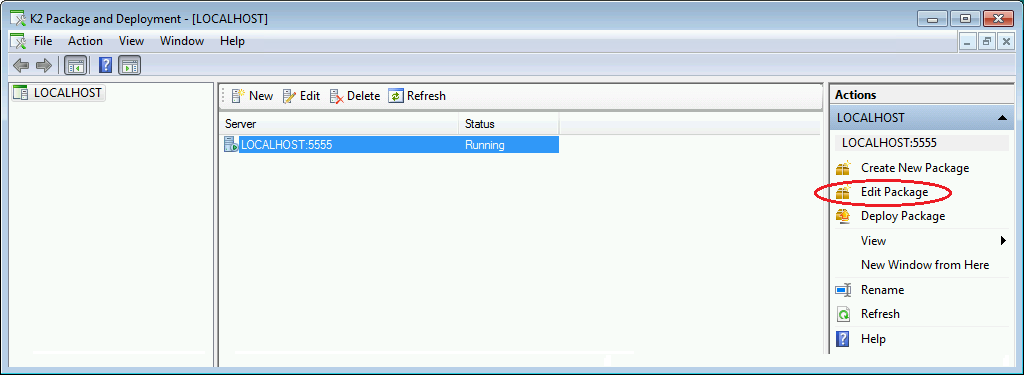
- Select the Edit Package option from the MMC window. From the Open file dialog screen, navigate to and select the K2 Package to be edited.
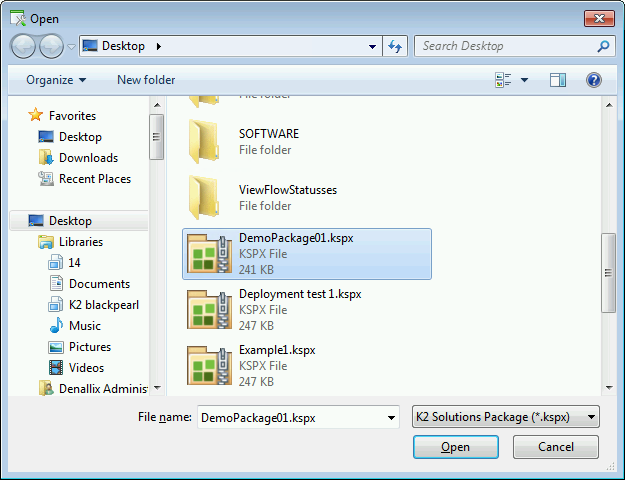
- Click Open to open the K2 Package.
- Refer to the Creating a Package topic for further information on adding or changing artifacts in the package.
See Also