 |
The solutions have been installed and deployed automatically. This portion of the wizard only enables the user to manage the existing solutions. |
K2 for SharePoint Solution Deployment (Advanced)
The Solutions Management Page lists all the K2 for SharePoint solutions that have been installed and then subsequently installed by the automated portion of the K2 for SharePoint Wizard. This portion of the wizard only enables the user to perform a solution retraction of an existing solution.
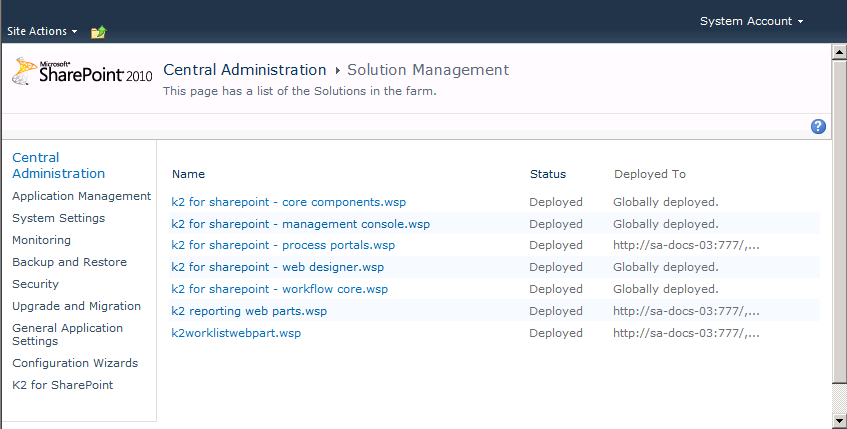
| Solution Management | |
|---|---|
| Name | The name of the K2 for SharePoint Solutions |
| Status | The status, which after a successful automated deployment will be Deployed. If there had been any errors the status message would reflect the error. |
| Deployed to | The location where the solution was deployed which may be to a specific location or Globally deployed. |
What to do?
To manage a solution, click the name of the solution.
