Sign In
This topic describes how to sign in to K2 Workspace for iOS.
Connecting to a K2 Five Environment
To sign in, enter your K2 server address (for example 'k2.denallix.com' or 'https://k2.denallix.com') and tap Next.
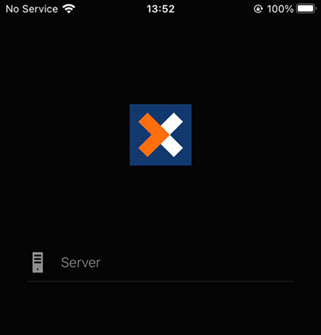
Then enter your user name or email, depending on how you sign in, and your password. Tap Sign In. 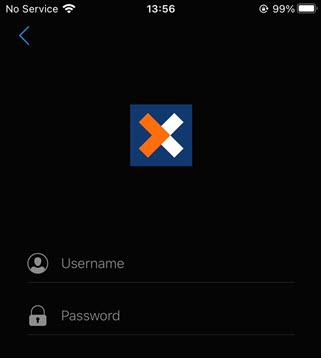
Connecting to a K2 Cloud Environment
When connecting to a K2 Cloud environment you must enter the K2 server URL and tap Next. You are redirected to the Sign-In page where you enter your user name (typically in email format) and password. For example:
Server: https://denallix.onk2.com
Username: bob@denallix.com