Sign Out
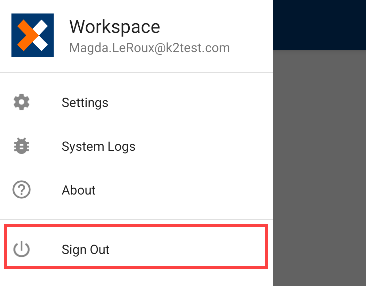
Tapping the Sign Out button in the User Menu, signs you out of the K2 Workspace for Android app.
 Signing Out of the K2 Workspace for Android app
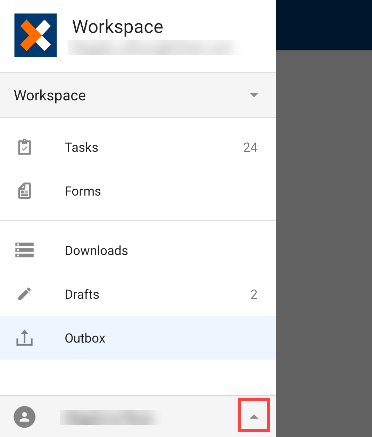
- Tap the User Menu button.
- Tap Sign Out.
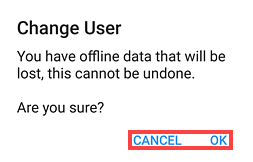
- If there is any cached data when signing out, you will be notified that all offline data will be lost on sign out. Tap OK or Cancel to proceed.
- You are signed out of the K2 Workspace for Android app.