Disable Mailbox
This content applies to legacy design tools (such as K2 Studio, K2 for Visual Studio, or the Silverlight-based K2 workflow design tool). If you have upgraded from K2 blackpearl 4.7 to K2 Five , these tools may still be available in your environment. These legacy tools may not be available in new installations of K2 Five . These legacy tools may also not be available, supported, or behave as described, in future updates or versions of K2. Please see the legacy component support policy for more information about support for these components.
What does it do?
The Disable Mailbox wizard is used to suspend an Active Directory user's Exchange mailbox.
How is it used?
You can use this wizard in scenarios, for example, where you have an Employee Off-Boarding process started by the Human Resources department. The wizard can also be used in any IT processes that requires disabling a user's mailbox. Keep in mind this is not a delete operation so by using this step in a workflow, the content stored in the mailbox is not removed.
 Disable Mailbox
Choose the mailbox to disable.
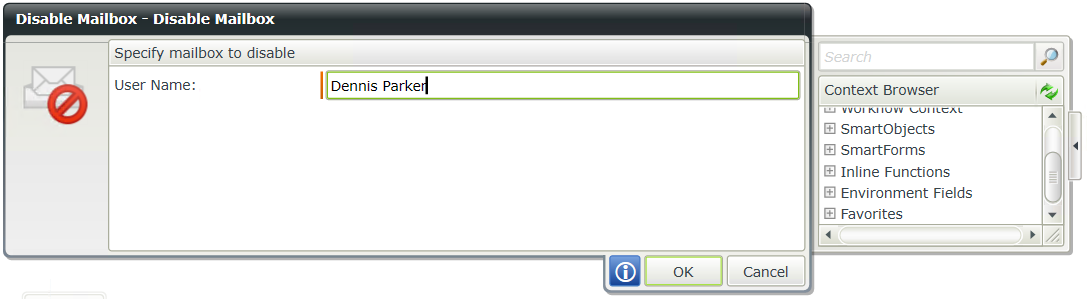
| Field | Description | Sample Value |
|---|---|---|
| User Name | The Mailbox User name is the same as the user name for the user account in Active Directory. | Type the value for the user name or drag a pre-configured field from the Context Browser such as a Data Field, Item Reference or SmartObject Load method property. Note that when a SmartObject Load method property is used, an input property is required for the correct information to load. |