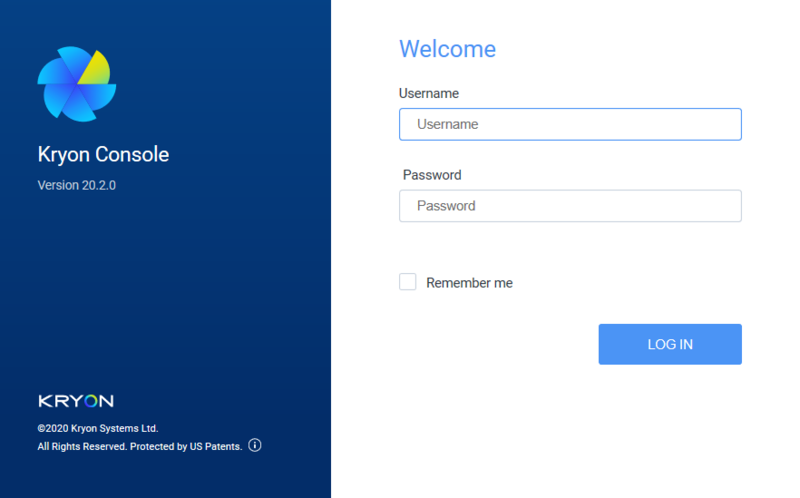
Step 1: Login to Process Discovery Console
Open Chrome or Edge web browsers from any machine with access to the Console server by entering its FQDN (Fully Qualified Domain Name), followed by /console. So, for example, the URL might appear as follows:
consoleserver.mycompany.com/console.
To log in, use the below credentials unless other credentials were provided to you:
-
Username: pdconsole
-
Temporary password: Pd123456!
You will be prompted to change the temporary password upon first login.