Welcome
The Welcome page is displayed when you run the App Manager. This can be done by running ithe AppManager.exe file from the K2 installation folder (before K2 installation), or from the setup folder (after K2 installation). The page is automatically displayed after K2 installation if you select the Deploy K2 for SharePoint for your site catalog check box at the end of the K2 installation process.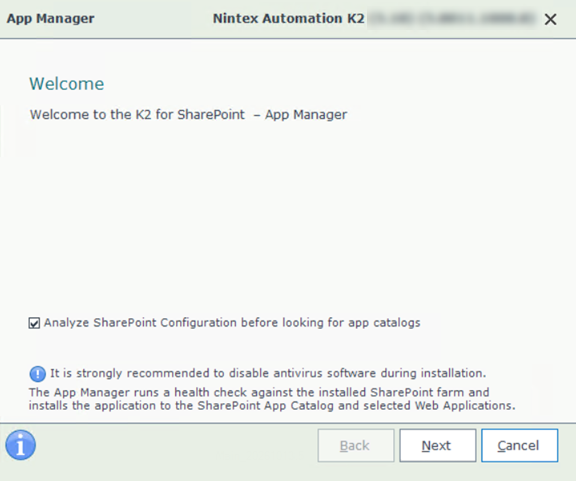
What to do on this page
- Select or deselect the Analyze SharePoint Configuration before looking for app catalogs check box.
- Click Next to continue.
Selecting the check box will start the app deployment health check before and after app deployment.