K2 Server
Choose whether K2 is installed. You can run a SharePoint Farm health check before installing K2. If you have installed K2, specify a K2 URL on the K2 Server panel. This configures the link to the K2 server which allows you to design forms, workflows and reports using the app. The IIS manager can be used to find a K2 URL and check the bindings. An example of a K2 server URL is: HTTPS://k2.denallix.com.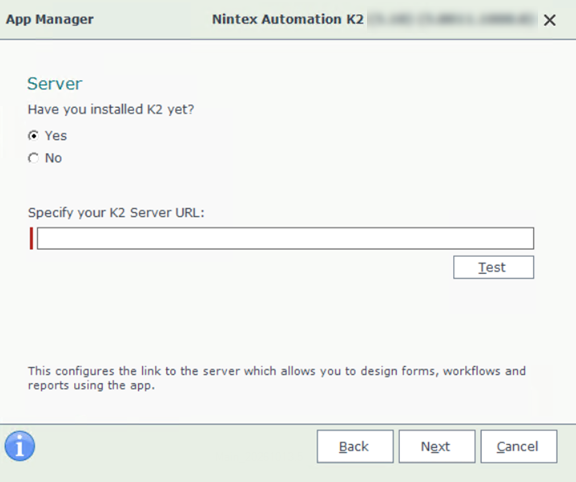
What to do on this page
- Choose whether K2 is installed. If it is not installed, the next steps run a SharePoint Farmhealth check.
- If K2 is installed, enter the K2 URL.
- Click the Test button to validate the entered URL.
- Click Next to continue.
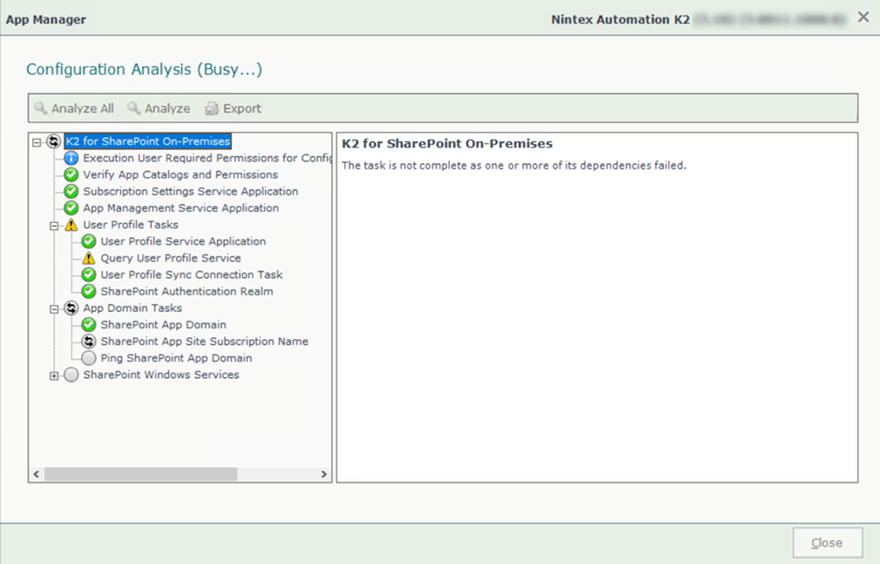
- If you selected Analyze SharePoint Configuration before looking for app catalogs check box on the Welcome page, the health check will automatically start when you click Next. Below is an example of a health check analysis result.