Workflow Import Service
The Workflow Import Service enables you to manually import existing packaged Nintex for SharePoint-based workflows from Management into the product while retaining most steps, configurations, and rules.
Service authentication
The Workflow Import Service is an internal system service and does not require service authentication. No changes are required.
Service Keys (Service instance configuration settings)
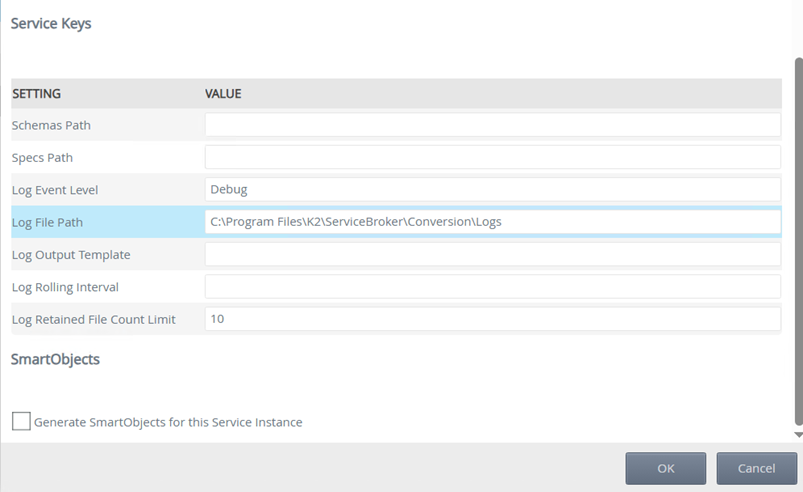
| Key | Can be modified | Data type | Sample value | Notes |
|---|---|---|---|---|
| Schemas Path | Yes | Text |
You can specify a custom path for XML or JSON schemas to validate input files. Use this option if you have a custom implementation. By default, the product provides a JSON schema for Nintex for SharePoint workflows in the [INSTALLDIR]\ServiceBroker\Conversion\Schemas folder. If a file passes validation, the workflow importer service converts it. |
|
| Specs Path | Yes | Text | You can specify a custom path for JSONata Notebooks or JSONata specifications. Use this option if you have a custom implementation. By default, the product provides a JSONata Notebook and accompanying JSONata file for Nintex for SharePoint workflows in the [INSTALLDIR]\ServiceBroker\Conversion\Specs folder. The workflow importer service uses this file to convert the input file and define the intended output. | |
| Log Event Level | Yes | Text | Fatal | Specifies the error logging level. Accepted values are Fatal, Error (default), Warning, Information, Debug, and Verbose. |
| Log File path | Yes | Text | C:\Program Files\K2\ServiceBroker\Conversion\Logs | Custom path for the log file, the default being [INSTALLDIR]\ServiceBroker\Conversion\Logs |
| Log Output Template | Yes | Text | A custom template for messages written to the log file. The default template, "{Timestamp:yyyy-MM-dd HH:mm :ss.fff zzz} [{Level:u3}] {Message:lj}{NewLine}{Exception}", uses built-in properties like Timestamp and Level | |
| Log Rolling Interval | Yes | Text | Year | A custom rolling interval, to create a log file per day or other time period, specify "Day" (default). Accepted values include "Infinite", "Year", "Month", "Hour", "Minute" |
| Log Retained File Count Limit | Yes | Number | 10 | A custom count of log files to retain, any older files that exceed the count, are deleted. The default is 21. |
Service objects
When you create an instance of the Workflow Import Service, the service instance gets created in the Workflow Import Service > {Instance Name}. Use the default instance unless a separate configuration is required.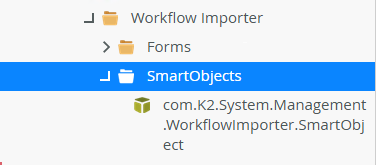
SmartObjects
When you create a Workflow Import Service service instance and select Generate SmartObjects for this service instance, the following SmartObject is created which you can use to execute methods to import workflows. You can find the Workflow Importer SmartObjects in System > Management > Workflows > Workflow Importer > SmartObjects.
| SmartObject | Notes |
|---|---|
| com.K2.System.Management.WorkflowImporter.SmartObject | Used to retrieve and import workflows. |
Workflow Importer SmartObject properties
When using the SmartObject, the following properties are applicable:
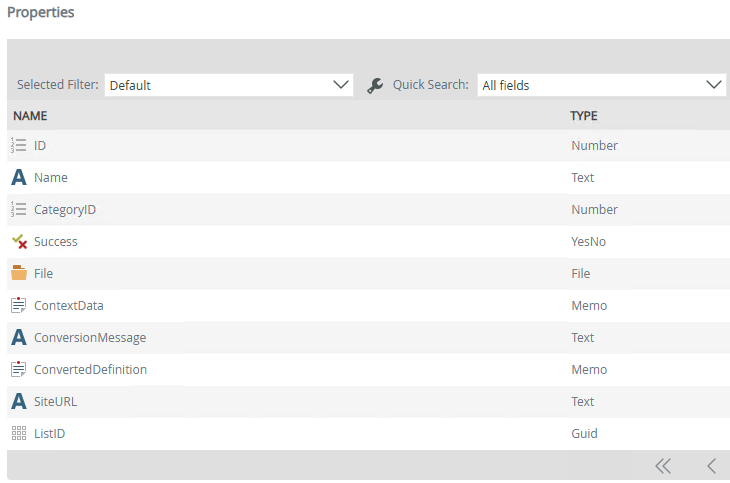
| Properties | Description |
|---|---|
| ID | The workflow definition identifier |
| Name | The workflow fully qualified name |
| Category ID | The category ID where the workflow has been saved to |
| Success | An indicator (Boolean) of import/conversion success |
| File | The source definition file to be converted and imported |
| ContextData | The ContextData defines how the imported workflow links to a SharePoint site and list when automatic mapping fails. It is optional and typically only needed when the original environment references have changed. |
| ConversionMessage | A message stating the reason for failures or confirmation of success (This will confirm the Save Action output when executing a workflow importer method) |
| ConvertedDefinition | A string representation of the conversion output |
| SiteURL | The SharePoint Site URL (if applicable) |
| ListID | The SharePoint list ID integrated with the workflow (if applicable) |
Workflow Importer methods
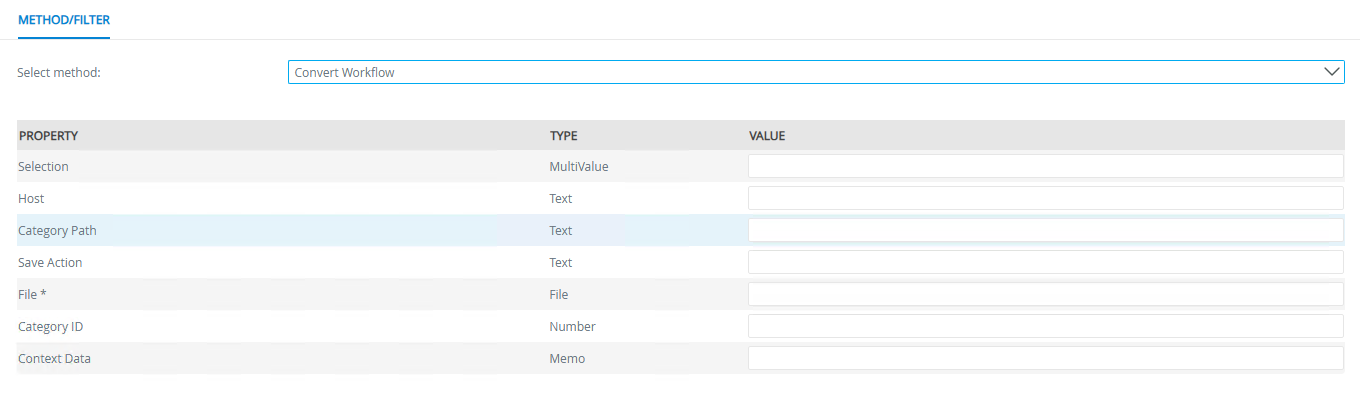
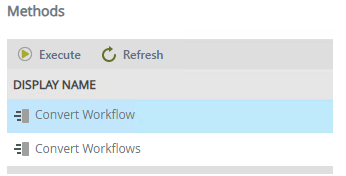
The Workflow Importer offers two methods for importing Nintex for SharePoint workflows. These methods can be accessed in System > Management > Workflows > Workflow Importer > SmartObjects > Workflow Importer SmartObject > Methods and executed using the property details, with workflow information returned as SmartObject properties.
-
Convert Workflow - Convert a singular workflow
-
Convert Workflows - Convert multiple workflows
Method properties
When using these methods, the following properties are applicable: