Accessing Nintex RPA Admin Tool
The Nintex RPA Admin Tool is installed automatically on the server as part of the Nintex RPA server installation.
The default installation path for the Nintex RPA Admin Tool is {Install Folder}\RPA\Nintex RPA Admin Tool Client 64bit\.
To launch the Nintex RPA Admin Tool:
-
Go to the Windows Start button
/Admin Management Tool_18x18.png) and type
and type Nintex RPA Admin Tool(or simply scroll down to its icon in the menu). -
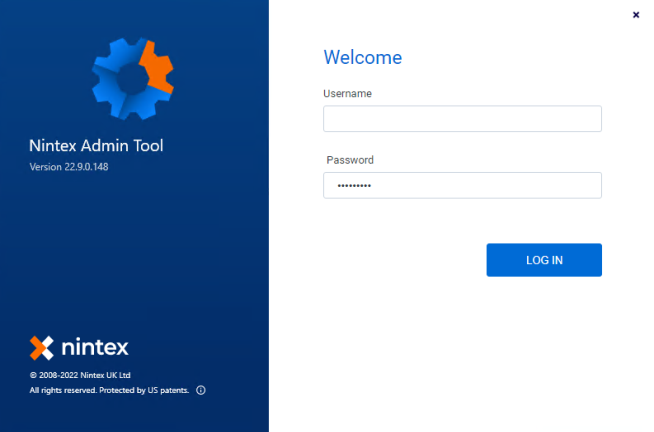
Log in to the Nintex RPA Admin Tool with these credentials:
-
Username: admin
-
Temporary password: Aa123456!
-
You will be prompted to change the temporary password upon first login.
-
-