K2 Workflow Designer - Configure Workflow Step
This content applies to legacy design tools (such as K2 Studio, K2 for Visual Studio, or the Silverlight-based K2 workflow design tool). If you have upgraded from K2 blackpearl 4.7 to K2 Five , these tools may still be available in your environment. These legacy tools may not be available in new installations of K2 Five . These legacy tools may also not be available, supported, or behave as described, in future updates or versions of K2. Please see the legacy component support policy for more information about support for these components.
You can edit the configured workflow step selecting the Configure Workflow Step option. The User Task wizard page specifies a unique identifiable Name for the step as well as a specific instruction for the workflow step. The Display Name is visible at design time and runtime while the Name (system name) is only visible and configurable at design time.
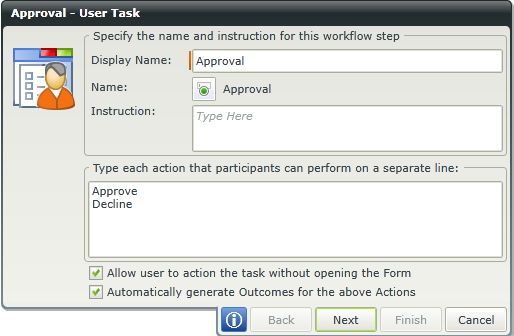
You can change the possible outcomes for this workflow step.

You can change the form and configure parameters and actions for the workflow step.

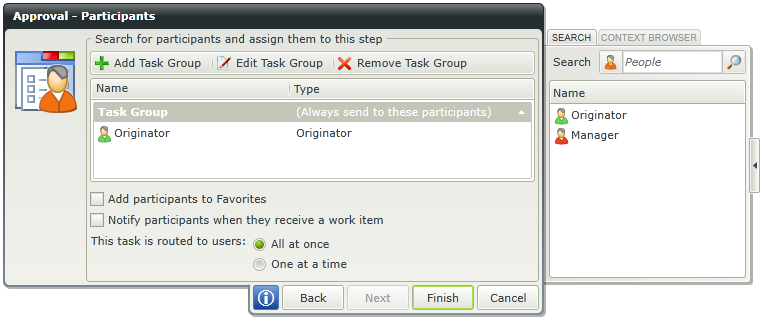
You can change the participants for the workflow step.