Files
The Files inline functions allow you to get information about files, including the content, from various sources.
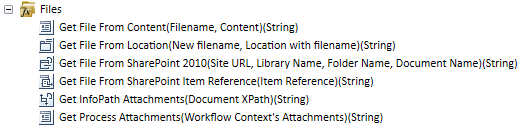
Select the applicable function and add it to a wizard or K2 field part by clicking the Add button or by dragging it to the right place. After adding the function, the wizard for the function opens.
The return type for all Files inline functions is an XML string. The functions return an XML structure containing the file name and the file contents, similar to the following:
<files>
<file encoding="Base64">
<name>Leave Policy.docx</name>
<content>JVBERi0xLjSNCiWys7S1...</content>
</file>
</files>
 Get File from Content
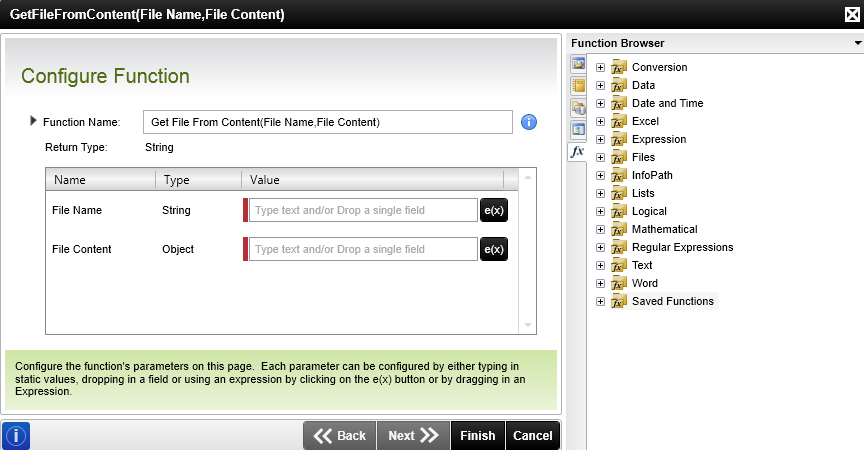
Get File From Content (Filename, Content) (String)
| Function | Description | Example |
|---|---|---|
| Get File From Content | Gets a file from data fields, expressions, base64-encoded data and other items containing the file’s content, and allows you to specify a file name. | File Name: The name of the file to return. Content: The contents of the file to return passed any object. For example, input text, a combination of expressions or an object from the context browser. Result: The content of the file as an XML string |
Get File from Location
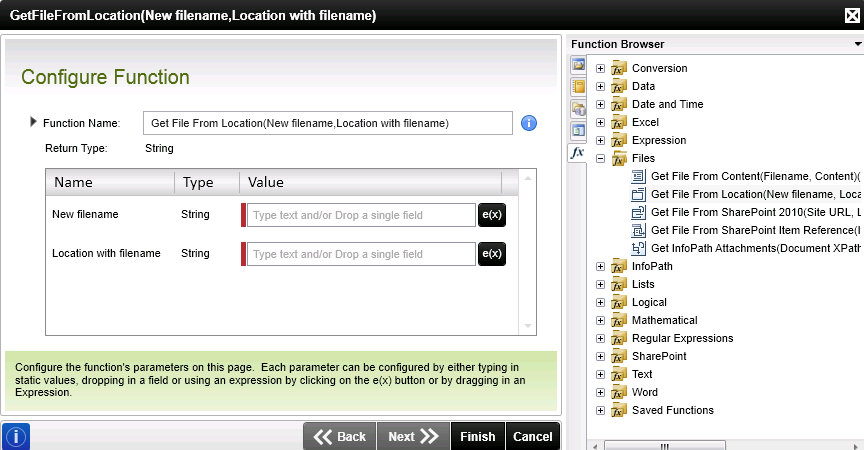
Get File From Location (Filename, Location ) (String)
| Function | Description | Example |
|---|---|---|
| Get File From Location | Gets a file from a file location which must be accessible at runtime, and allows you to specify a file name. Note that you cannot use a local path on the K2 server or an HTTP/HTTPS-based file, but rather UNC-based files. | New filename: The name of the file to be used in the destination. Location with filename: The location and name of the file to be returned. Specify the full path to the file to avoid errors. Result: The content of the file as an XML string |
Get File from SharePoint Item Reference
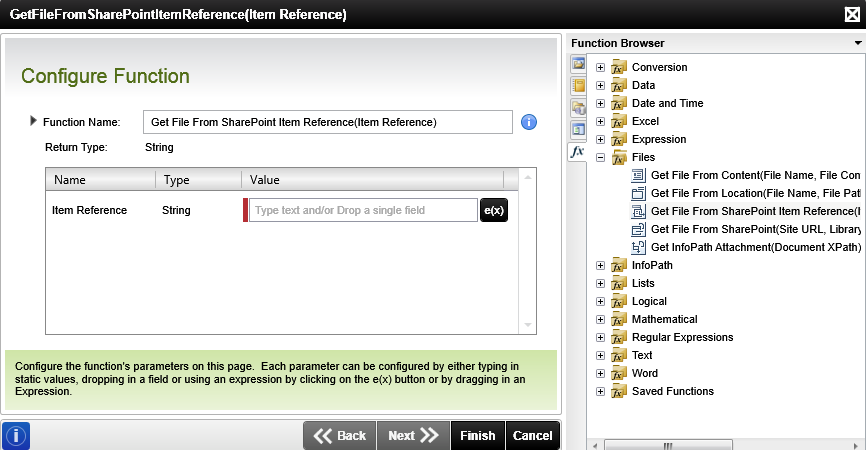
Get File From SharePoint Item Reference (Item Reference) (String)
| Function | Description | Example |
|---|---|---|
| Get File From SharePoint Item Reference (SharePoint 2010) | Gets a file from a SharePoint 2010 Item Reference containing one or more documents. | Item Reference: The reference containing the information necessary to resolve the files at runtime. Result: The content of the file as an XML string. |
Get File from SharePoint 2010
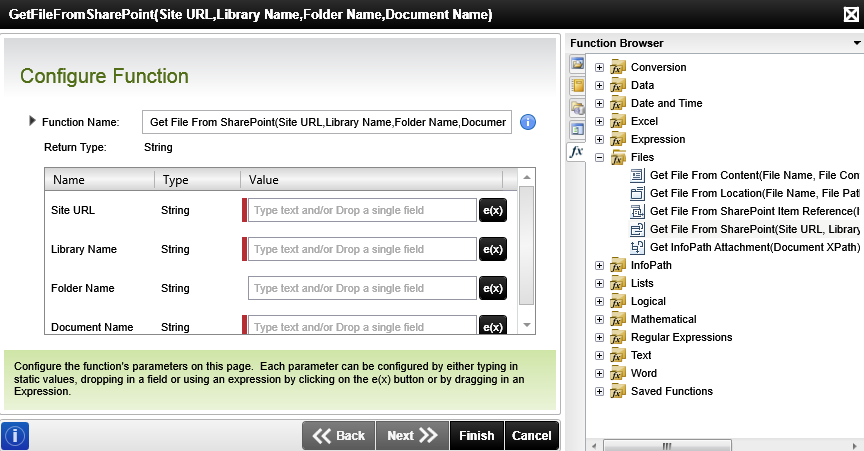
Get File From SharePoint 2010 (Site URL, Library Name, Folder Name, Document Name) (String)
| Function | Description | Example |
|---|---|---|
| Get File From SharePoint 2010 | Gets a file from a SharePoint 2010 document library. | Site URL: The SharePoint site containing the document library. Library Name: The name of the document library. Folder Name: The name of the document library folder. Document Name: The name of the document. Result: The content of the file as an XML string |
Get InfoPath Attachment
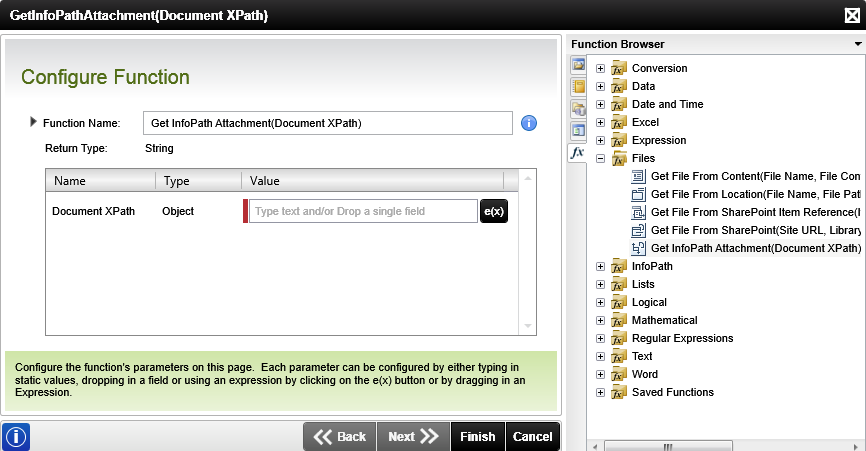
Get InfoPath 2010 Attachments (Document XPath) (String)
| Function | Description | Example |
|---|---|---|
| Get InfoPath Attachments (InfoPath 2010) | Gets all documents contained in an InfoPath 2010 attachment field node. | Document XPath: The XPath of the node containing the attachments of the InfoPath form. Result: The content of the file as an XML string |
Get Process Attachment
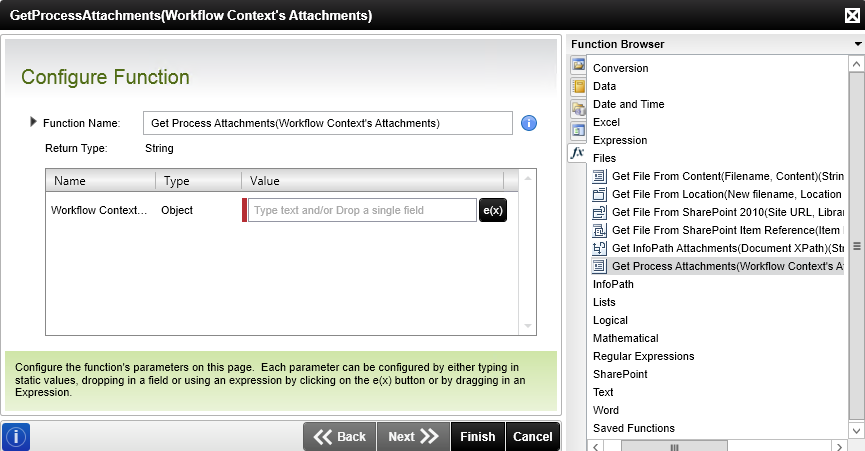
Get Process Attachments (String)
| Function | Description | Example |
|---|---|---|
| Get Process Attachments | Gets all process attachments. | Workflow Context's Attachment: Attachments are available from Process Instances of workflows that have Attachments enabled . For more information see How to use the Workflow Attachment and Workflow Comment SmartObjects Result: The content of the file as an XML string |