If the K2 for Reporting Services component is installed on a different server than the K2 Workspace, there are multiple hops for authentication, and therefore the reports will not display. Therefore, you need to set up the SPNs for the Reporting Services Service Account.
Common Symptoms
This issue can manifest in several ways:
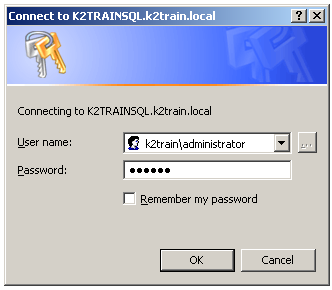
- When accessing the Reporting Services home page from a separate machine, you may be prompted for your credentials. This dialog will appear three times, even if you enter your user name and password correctly:
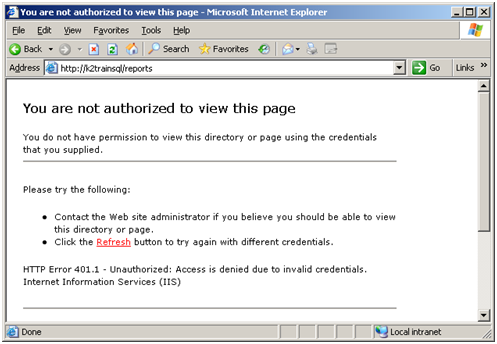
- After failing three times, a 401.1 “You are not authorized to view this page” error will display, as shown below:
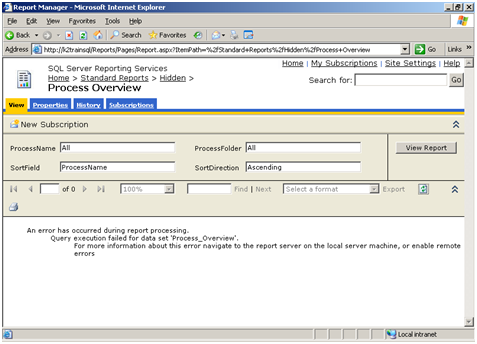
- Alternatively, you may successfully open the Reporting Services Home page, but the report will not render. This is because no identity is passed through, causing an authentication error:
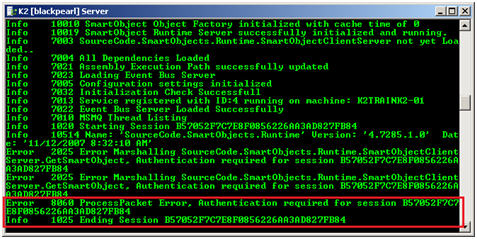
- This error can also be seen in the K2 blackpearl Server console window, with an Authentication required message, as shown below:
Resolution
Ensure that the proper SPNs were set for the Reporting Services Service Account
See Also
