Error
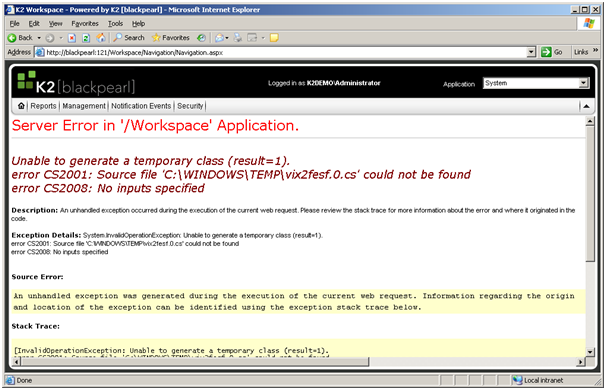
Shown below are two errors that may be encountered when insufficient permissions are given to a user to access the C:\Windows\Temp folder. If the user has no user permissions on the folder, the following error is encountered:
No User Permissions (Click here to view)
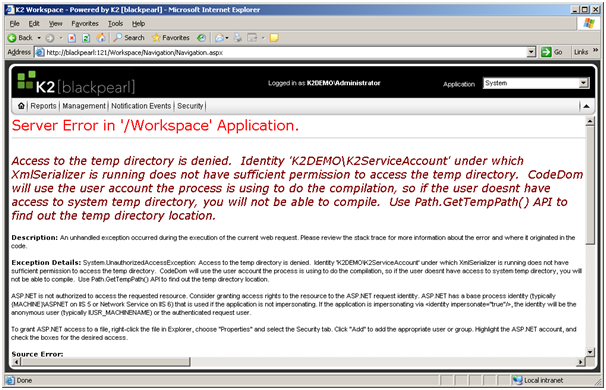
If insufficient permissions are given for the C:\Windows\Temp folder, the following error is encountered:
Access to the temp directory is denied (Click here to view)
Cause
Inadequate or insufficient permissions have been given to the user on the K2 Workspace server.
Resolution
To resolve this error, make sure that the K2 Workspace server permissions have been set properly. See the Set up Permissions > IIS Server topic for more information.
