Troubleshooting - InfoPath Integration Form Error
When using Forms Server with InfoPath Forms the following errors might be received:
While opening an InfoPath Form in a browser, the following error is displayed:
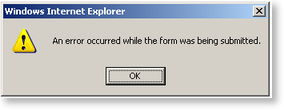
While opening an InfoPath Form in SharePoint, the following error is displayed:
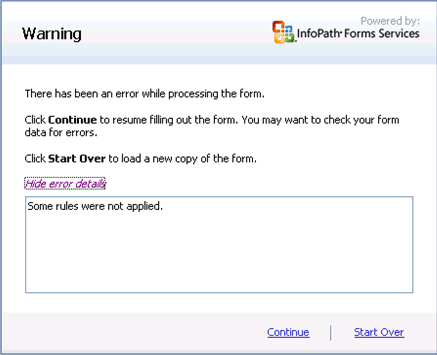
To rectify this problem perform the following steps:
 |
On the main SharePoint Site, browse to Site Actions > Site Settings > Modify all Site Settings. Select the Modify All Site Settings in SharePoint |
 |
Select Advanced Settings |
 |
Under Browser-enabled Documents, select the Open in the client application option  |
 |
Open the InfoPath Document. If the error is still displayed, perform the following steps: |
On the Administrator Machine
|
Open Central Administration |
|
Click on the Application Management tab |
|
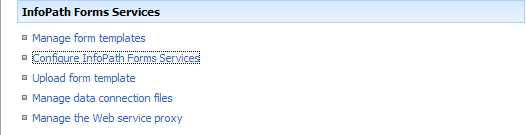
Click on Configure InfoPath Form Services |
|
Ensure that the Allow cross-domain data access for user form templates that use connection settings in a data connection file option is selected |