Troubleshooting - Web Part Error on main page of MOSS
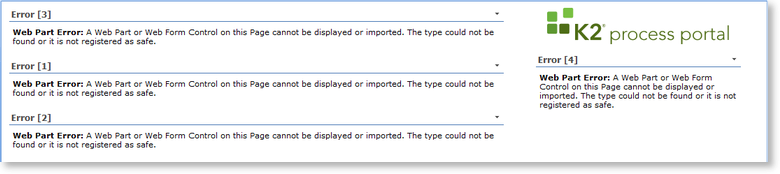
After activating the K2 components within central administration, a WebPart error is displayed on the main page of MOSS.
Solution:
This error occurs due to the WebPart solution not being deployed yet. Perform the following steps to deploy the WebPart solution:
 |
Open Central Administration |
 |
Click on the System Settings option on the left |
 |
Click on Manage Farm Solutions in the Farm Management section |
 |
Click on k2processportalwebparts.wsp |
 |
Click on Deploy Solution and click OK on the Deploy Solution screen |
 |
Click on k2worklistwebpart.wsp |
 |
Click on Deploy Solution, select the correct SharePoint Site Collection and click OK on the Deploy Solution screen |
