SmartObject Method Configuration
The methods that were created in the previous step, are configured in this step. Once the configuration is complete the SmartObject will be created.
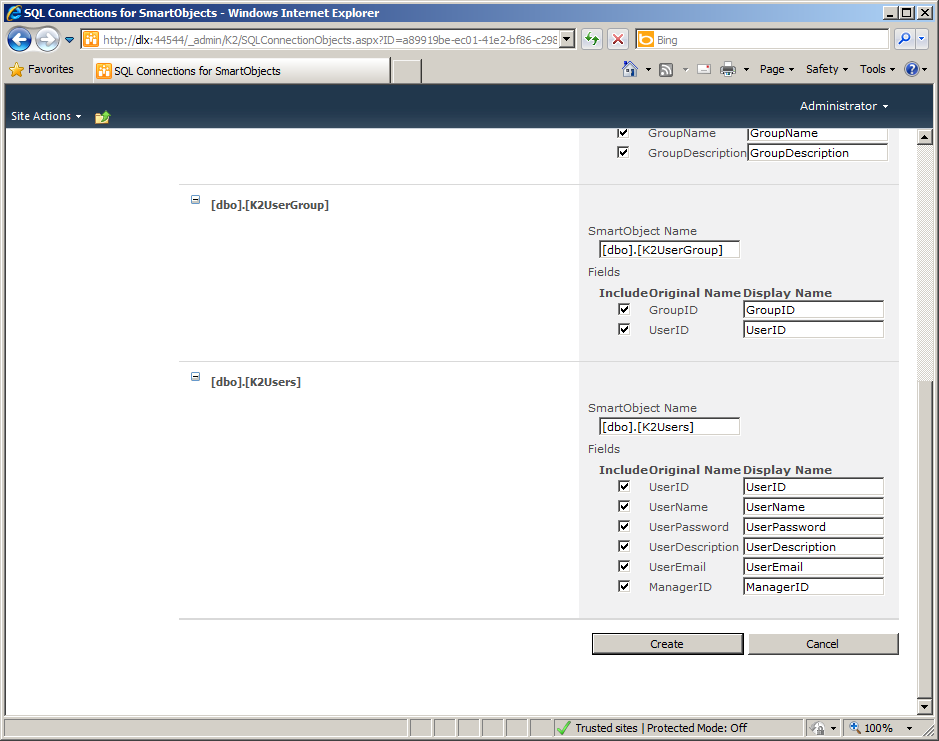
| [dbo].[Title] | |
|---|---|
| SmartObject Name | This name is generated automatically based on the name of the database table. It can be altered by entering a new name |
| Fields | The fields are the database columns that reside within the table. The GetList method will retrieve and display the data from the SmartObject according to this layout. |
| Include Original Name | The name of the column (field) from the database table, which will surface later visually if this option is enabled |
| Display Name | The name of the field that will surface for display |
What to Do ?
 |
tip: These steps must be repeated for every SmartObject that will be created. |
 |
From the SmartObject Name field, retain the existing name or enter a new one |
 |
Disable the option to Include Original Name, if required or leave as is |
 |
From the Display Name field, retain the original naming or enter new custom naming |
