K2 for SharePoint - K2 Designer for SharePoint
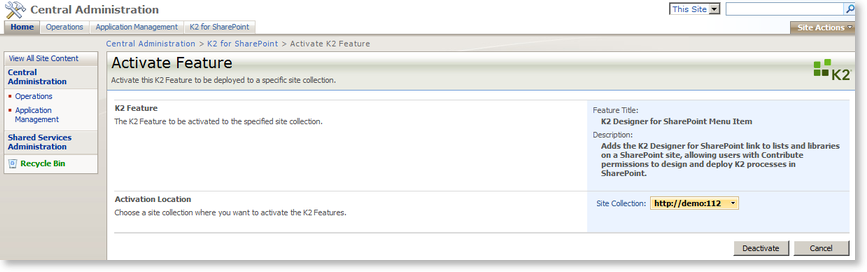
The K2 Designer for SharePoint screen is used to add the K2 Designer for SharePoint link to lists and libraries on a SharePoint site, allowing users with Contribute permissions to design and deploy K2 processes in SharePoint. The SharePoint site can be selected from the Site Collection drop-down list. Clicking on the Activate button will activate the K2 features on the selected site.
 |
To view Process Portals and access any additional K2 functionality within SharePoint, the K2 SmartObject Integration needs to be activated |
| Function | What it does |
|---|---|
| Title | Displays the title of the current page |
| Description | Displays the description of the current page |
| Site Collection | Stipulates the site where the K2 features will be activated on. To choose a different site, click on the down arrow and select Change Site Collection. |
| Activate | Click this button to activate the K2 features for the stipulated site. |
| Cancel | Click this button to cancel the activation |
Activating K2 Designer for SharePoint Task Content Type
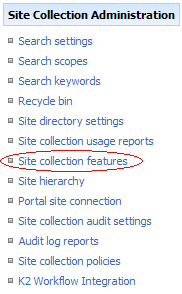
After the activation of the K2 Designer for SharePoint on the SharePoint Central Administration you have to activate the content type under Site Settings/ Site collection features.