How to export the SmartObject
 |
At least one SmartObjects must be present with in the listing below for them to be exported. |
The SmartObjects that are available under the manage SmartObjects page will be listed in the SmartObjects box. The SmartObject is granulized; all items are selected default, and the user is able to manually determine which items they want to export.
 |
From Central Administration > Manage SQL SmartObjects, select a SmartObject to export by left clicking and selecting Export SmartObjects. |
 |
From the Manage SQL SmartObjects Page, locate the SQL SmartObjec to export and from the drop down list select Export SmartObject 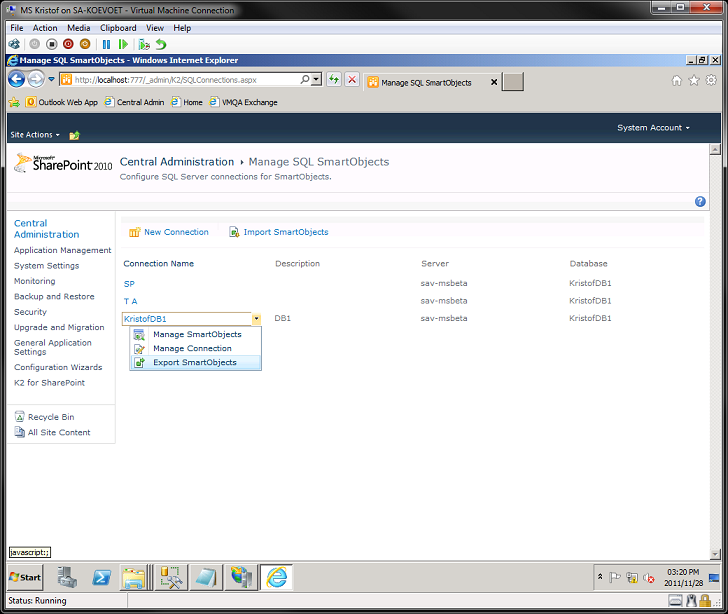 |
 |
All available items are enabled by default. If there are unwanted items, disable them. Click Ok to proceed with the SmartObject export 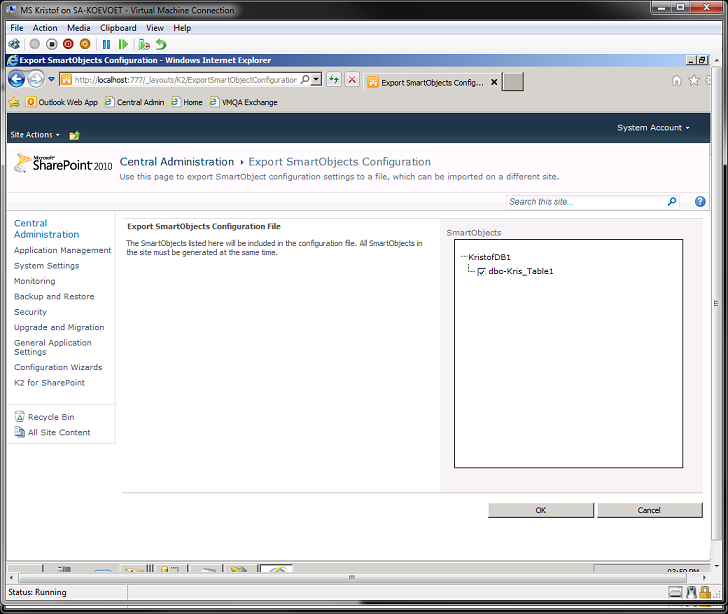 |
 |
Download the XML file to you local machine. 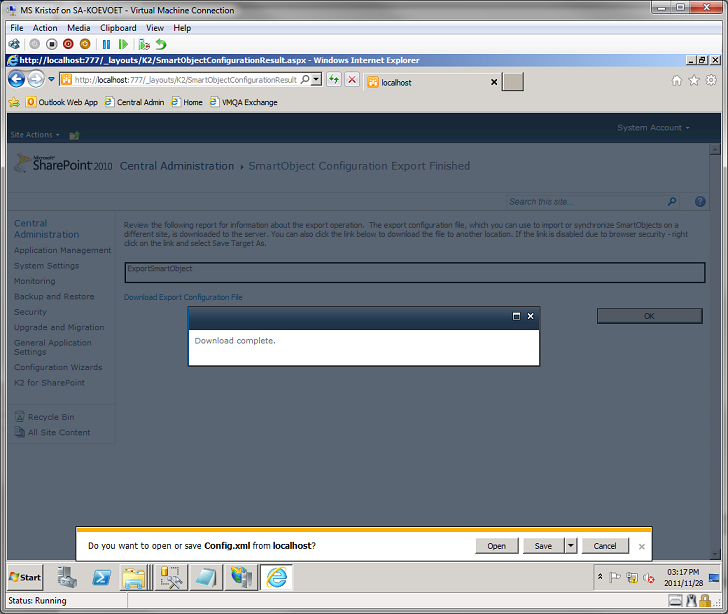
|
