K2 Studio - Wizard rendering issue
In some instances the wizards are not rendered correctly in K2 Studio when working on a virtual pc, as displayed in the following image:
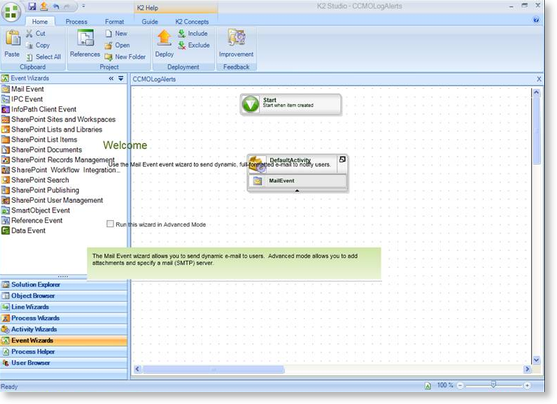
Solution:
To rectify this problem disable 3D acceleration in the VMWare workstation.
 |
Shutdown the Virtual Machine |
 |
Open the settings for the Virtual Machine. |
 |
Navigate to Display. |
 |
Under 3D Graphics, unselect the Accelerate 3D graphics option. |
 |
Restart the Virtual Machine. |
