K2 Workflow Designer - Deploying a K2 Workflow Designer Workflow
Workflows built in the K2 Workflow Designer needs to be deployed to the K2 Server before they can be started. Workflows are deployed by selecting the Deploy icon located on the Main Menu. This wizard has been simplified to ensure a quick and easy workflow deployment. The build now starts immediately when selecting Deploy and only relevant screens are reflected.
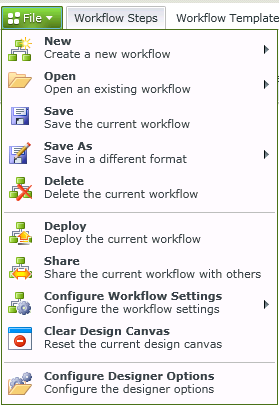
Selecting Deploy initiates a build Workflow. If the build is successful, the workflow is then deployed to the K2 Server. If the build is not successful, a message is displayed with the error details
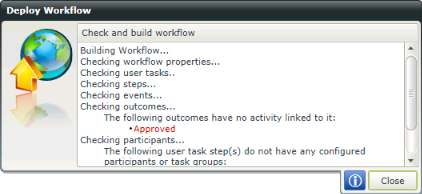
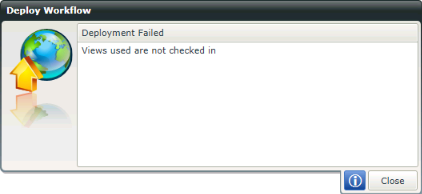
The deployment will fail if Forms and/or Views are not checked in. Click Close to exit the wizard, check in the Forms or Views and Deploy again.
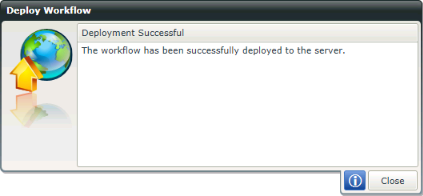
This screen marks the end of the Deploy Workflow.
Troubleshooting Tip
When deploying a workflow the following error might be encountered:
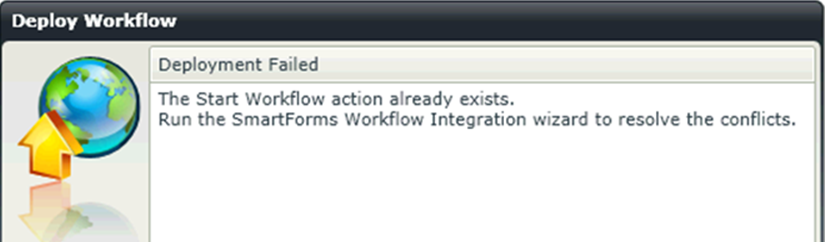
Problem:
This happens when a workflow has been deployed, the Form is subsequently changed and trying to deploy the workflow again.
Solution:
The Form the workflow was originally built on has changed so you need to rerun the wizards for it to recognize the changes made before you can deploy.