Workflow Steps
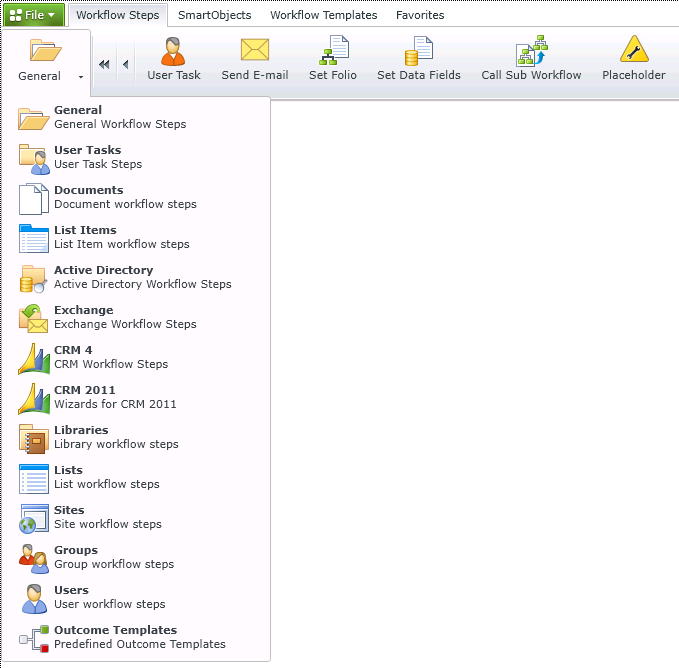
The Workflow Steps tab at the top of the K2 Workflow Designer, lists various wizard-based steps that you can drag and drop into your workflow design. The steps for a selected menu option display as icons across the top of the screen. Dragging and dropping an icon onto the workflow design canvas launches a wizard that will help you configure the workflow step. You can switch to a different category of steps by clicking the left-most icon and selecting the category of steps to display in the ribbon.