Register the Service instance
The K2 blackpearl service instance must be running either as a service or in console mode for the service registration to complete successfully.
After licensing the K2 connect Server, the server needs to be registered as a service instance. Follow these steps:
- Open the K2 connect Administration Tools from the Start > All Programs > K2 connect for SAP menu.
- Click on K2 blackpearl Settings.
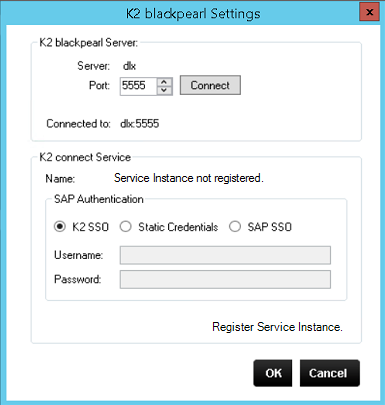
- If the Server has not been registered, the K2 connect Service name will state Service instance not registered.
- Click on Register Service Instance.
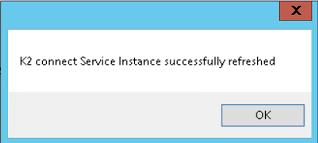
- Click OK to complete.
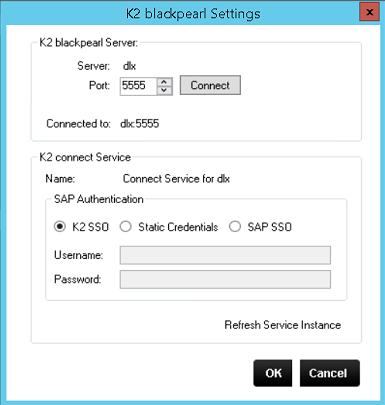
- Once the registration process in complete, the status information about the K2 connect Service instance changes to display the name of the registered connect Service.